
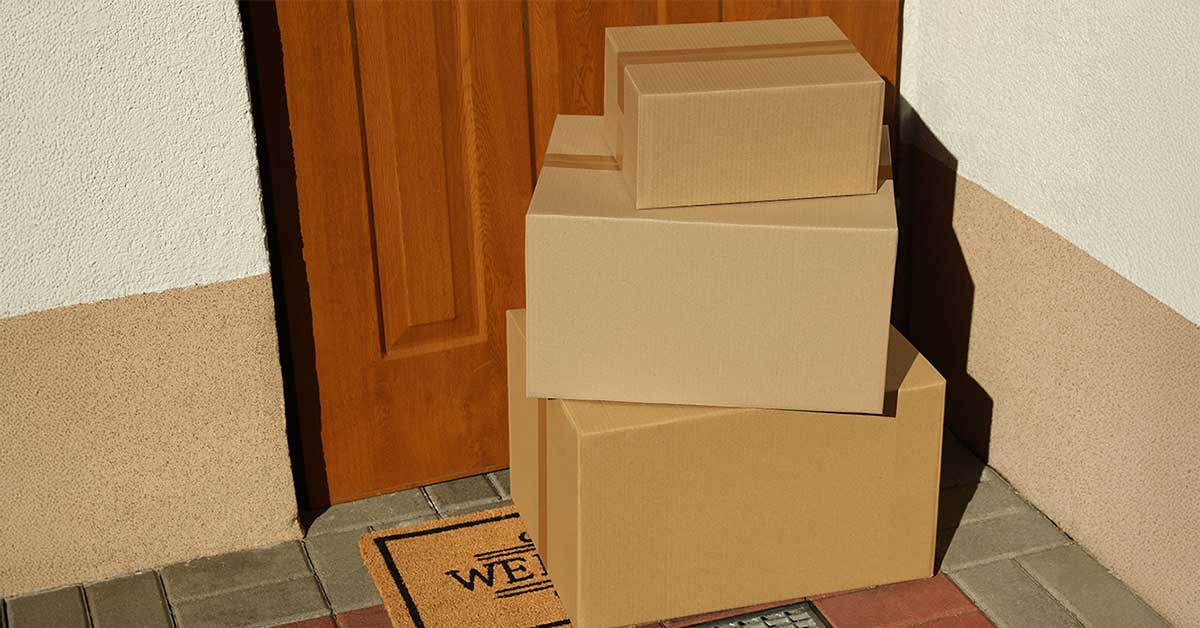



The annual “delivery season” is here. Between Black Friday and the New Year, our porches turn into high-traffic zones. Unfortunately, as e-commerce surges, so does “porch piracy.” Estimates suggest that nearly 249,000 package theft incidents will occur daily across the U.S. in 2025.
For many homeowners, a video doorbell is the first line of defense. But there is nothing more frustrating than getting a motion notification, opening your app, and seeing… an empty porch. The thief is gone, and your camera missed the action.
Why does this happen? Often, it’s not the camera’s fault—it’s a misalignment between your settings and your internet connection.
At GigabitNow, we know that effective security requires more than just hardware; it requires the right infrastructure. Here is how you can use the superior power of your fiber internet to optimize your camera settings and actually catch the “Grinch” before he steals Christmas.
Why Upload Speed Matters
Most traditional cable connections are “asymmetrical,” meaning they have fast download speeds but slow upload speeds (often capped at 10-20 Mbps). This forces security cameras to compress video and “sleep” often to save bandwidth. GigabitNow Fiber is different. We provide symmetrical bandwidth—gigabit speeds for both downloads and uploads. This massive upload pipe allows you to unlock aggressive security settings that would choke a standard internet connection.
Ditch the “Battery Saver” Mode
The number one reason cameras miss thieves is latency. Battery-powered doorbells sleep to save power; they have to “wake up” when they detect motion, connect to Wi-Fi, and start recording. This “wake-up” sequence can take 3 to 10 seconds—plenty of time for a fast thief to grab a box and vanish.
The Fix: If possible, hardwire your doorbell. Wired devices (like the Ring Pro 2 or Nest Doorbell Wired) don’t sleep. They use features like “Pre-Roll,” which appends the 6 seconds before the motion event to your video, allowing you to see the thief approaching rather than just their back as they run away.
Maximize Your Video Resolution
Police often cannot act on grainy, pixelated footage. To get actionable evidence (like facial features or license plates) you need high definition. This is especially true now that porch piracy is a specific statutory offense in many states.
For Fiber Users: Go into your device settings and crank the video quality to “Max” or “4K” (for Arlo/Nest users). Do not worry about bandwidth; your GigabitNow connection can easily handle the sustained upload bandwidth requirements for crystal-clear video.
Google Nest Tip: Set Video Quality to “Max” to utilize your fiber upload speed.
Arlo Tip: Change Power Management to “Best Video” to reduce compression.
If You Are Using a Ring Camera, Eliminate “Cool Down” Periods.
By default, many Ring cameras use a “Standard” motion frequency. After recording an event (like a delivery driver dropping a package), the camera “rests” for a short period. If a thief strikes 30 seconds later, the camera might be asleep.
The Fix: Change Motion Frequency to “Frequently”.
Path: Device Settings > Motion Settings > Advanced Settings > Motion Frequency > Frequently
This ensures the camera captures back-to-back events without a break.
If You Are Using Google Nest, Enable 24/7 Continuous Recording
If you use Google Nest and subscribe to “Nest Aware Plus,” you have a superpower: 24/7 Continuous Video Recording (CVR). Instead of just recording “events,” the camera records history around the clock.
The Fix: Enable 24/7 History. This uses significant bandwidth (up to 400 GB/month), but with GigabitNow’s unmetered fiber data, you don’t need to worry about caps. This guarantees that even if the motion sensor misses the thief, the timeline won’t.
Create a “Kill Zone” for Detection
Stop getting alerts for passing cars, which causes “alert fatigue”.
The Fix: Create a specific motion zone that covers only the 3x3 foot area where packages are dropped (your doormat). Set the sensitivity for this zone to “High” and ensure it is set to record “All Motion” (not just people). If anything moves on your package mat—whether it’s a person or a gloved hand—you want to know instantly.
Tip: Learn how to adjust motion zones to reduce false positives.
Summary: Your Optimization Cheat Sheet
| If you have… | Change this setting… | Why? |
|---|---|---|
| If You Have: Any Camera | Change Setting: Video Quality: Max or 4K | Why? Catch faces, not just shapes. |
| If You Have: Ring | Change Setting: Motion Freq: Frequently | Why? Don't let the camera sleep between events. |
| If You Have: Nest | Change Setting: 24/7 History (CVR) | Why? Record everything, miss nothing. |
| If You Have: Night Mode | Change Setting: Color Night Vision | Why? Police prefer color descriptions (red jacket vs. grey blob). |
Ready to secure your porch?
Don’t let a slow internet connection be the weak link in your home security. Upgrade to GigabitNow today to ensure your cameras have the speed they need to catch the Grinch this season.
Published: December 18, 2025